27Bit Industries / Prosperous Universe

APXM

Empire HUD for Prosperous Universe

A browser extension for Prosperous Universe that provides both a mobile-optimised touch interface and an Empire HUD for desktop powered by the Helm galaxy map. APXM observes WebSocket traffic and displays your empire status auto-magically.

Beta

Screenshots

Desktop View

The desktop view embeds a live empire overlay on the Helm galaxy map. Open in APEX with the rPrUn XIT WEB command:

XIT WEB apxm.27bit.dev

Requires APXM extension installed. Without the extension, you'll be directed to a landing page linking to Helm.

Empire
Empire Overlay
Owned systems highlighted with burn-coloured rings (green/amber/red) on the galaxy map and in system view.
Fleet
Live Ship Tracking
Idle ship and fleet markers at systems. In-transit ships interpolated along flight paths in real time.
Burn
Burn Status Panel
Per-base burn status with expandable material-level detail, urgency filtering, sort by urgency or system name. Configurable thresholds.
Fleet
Fleet Overview
All ships with cargo/fuel bars, IDLE/TRANSIT filters, sort by ETA/name/cargo. Click to zoom into any ship.
Market
CX Warehouse Indicators
Orange dots at CX stations where you have a warehouse. Click to open inventory.
Market
CX Warehouse Dropdown
Quick access to CX warehouse inventories.
Empire
Empire Highlight
Dims the galaxy to highlight only systems where you have bases and nearby CXs.
Gateway View
Show/hide gateway indicators and links.
Empire
Base Panels
Click any owned planet in system view for production, storage, burn overviews and BS/INV/PROD shortcuts.
Interface
Screen Switching
Assign existing APEX screens to planet panels for quick navigation.
Fleet
Ship Panels
Click any ship for cargo manifest, fuel, flight segment progress and Fly/Cargo/Fuel shortcuts.
Interface
Buffer Bridging
Panel buttons open the corresponding APEX buffer directly (BS, INV, PROD, SHP, CXM, FLT etc.)
Themes
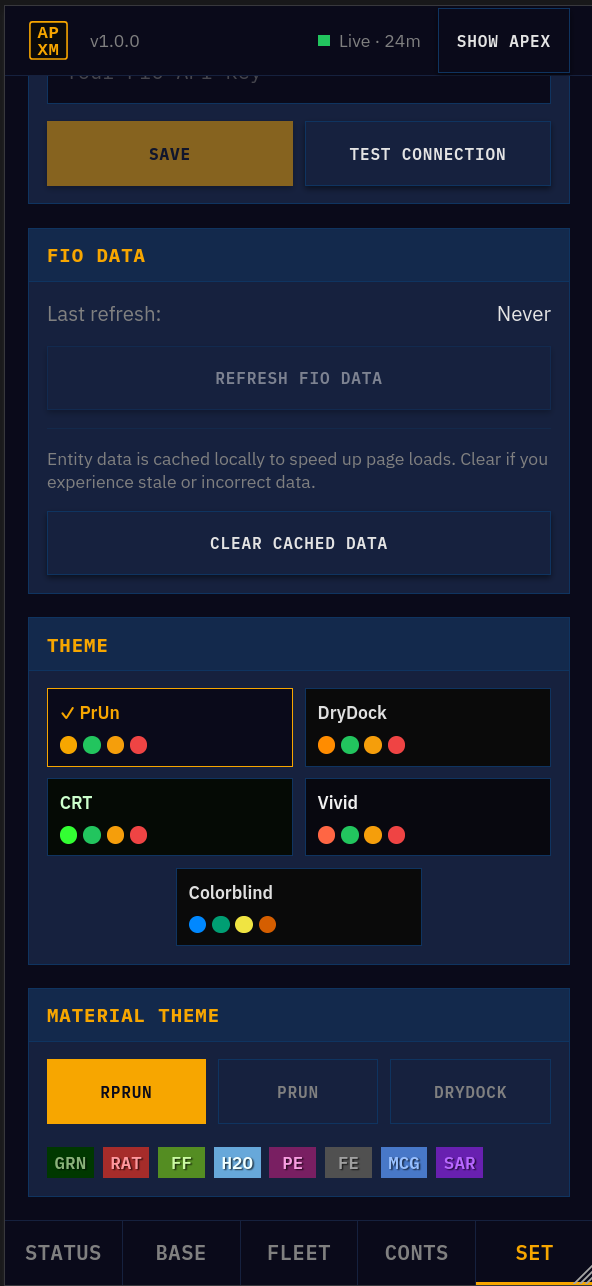
Theme Picker
Five Helm colour themes including Colorblind mode.
Integration
rprun Detection
Detects Refined PrUn and offers ACTS button integration (can be disabled).

Keyboard Shortcuts

BToggle burn panel
FToggle fleet panel
WToggle warehouse dropdown
EToggle empire highlight
GToggle gateway view
EscapeClose current panel/menu

Mobile View

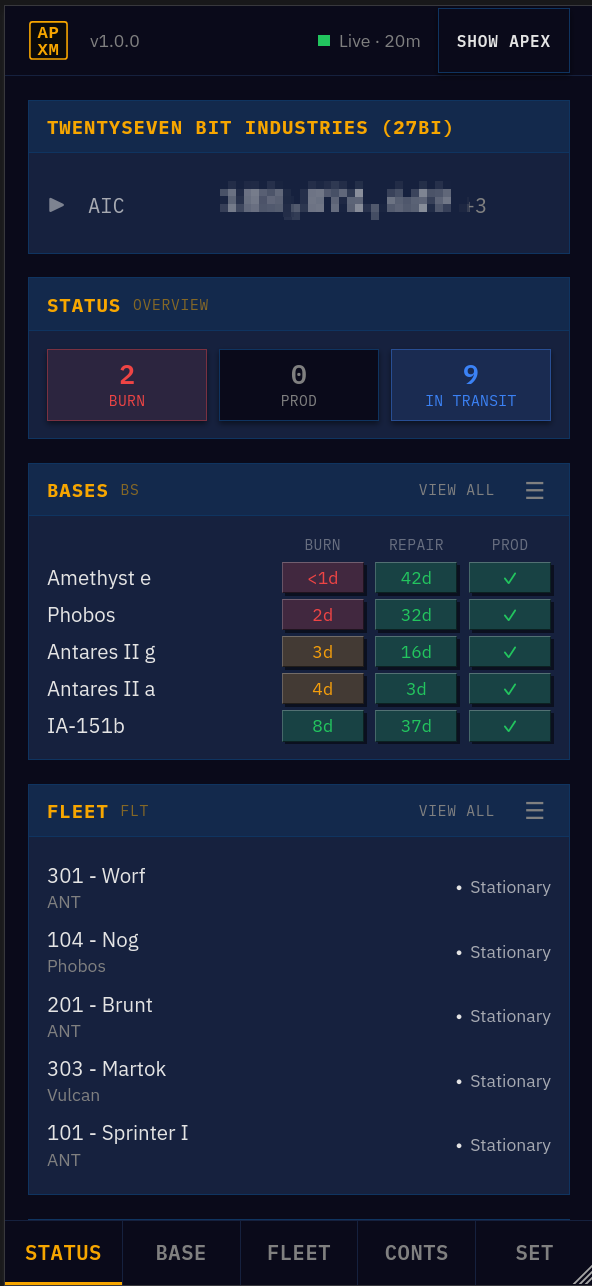
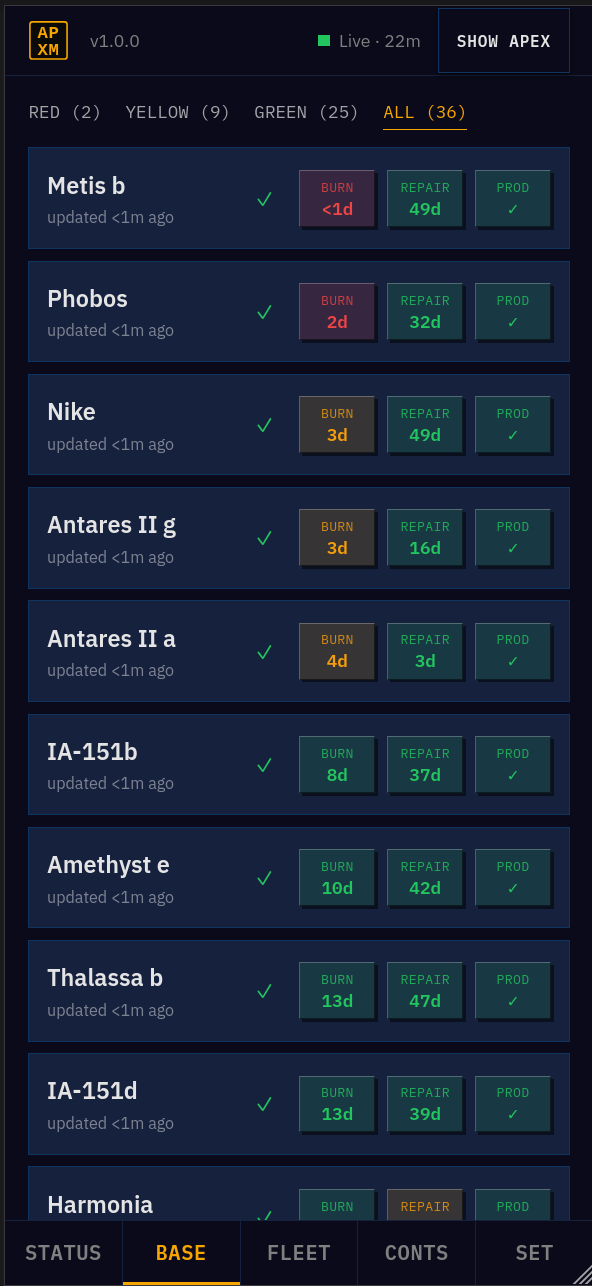
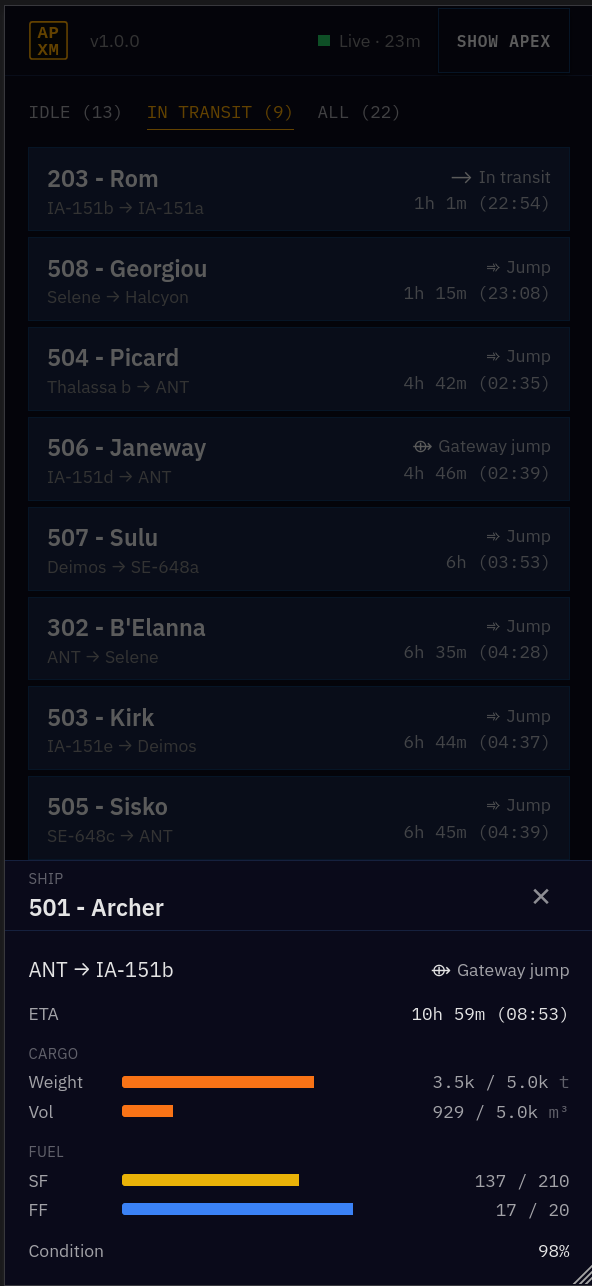
Overlays the APEX mobile interface with a touch-focused UI while the underlying game client keeps running.

Dashboard
Status Dashboard
At-a-glance summaries of bases, fleet and contracts. Drill-down to full views.
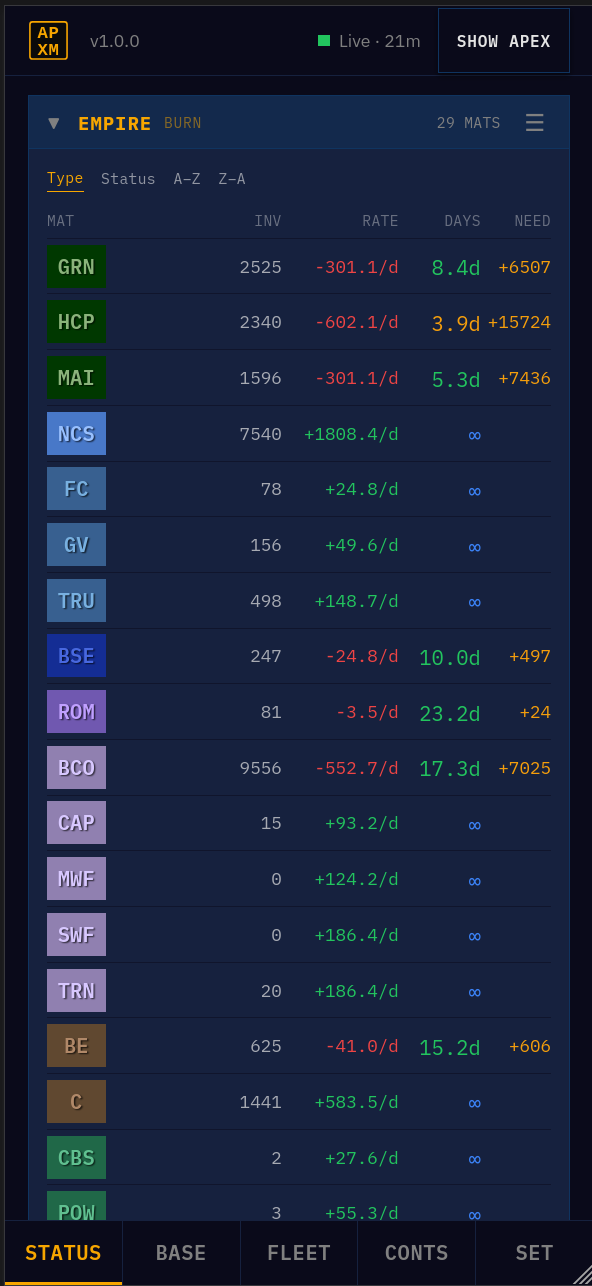
Burn
Burn Tracking
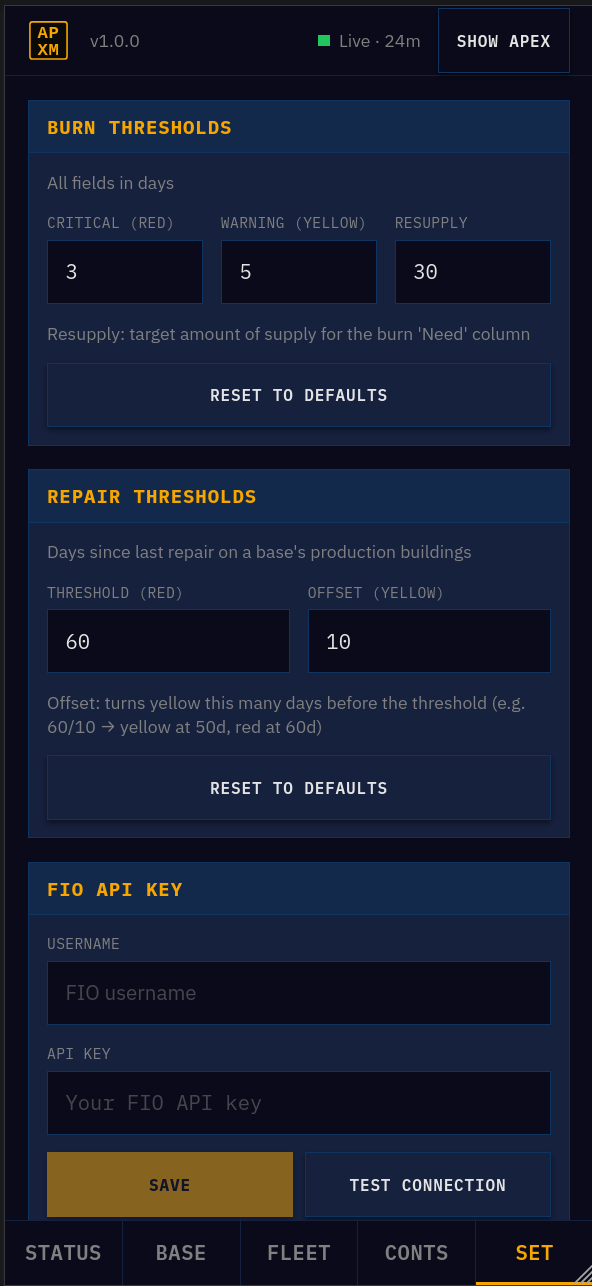
Per-site material burn rates with urgency indicators (critical/warning/ok). Purchase need calculation with resupply targets. Configurable thresholds.
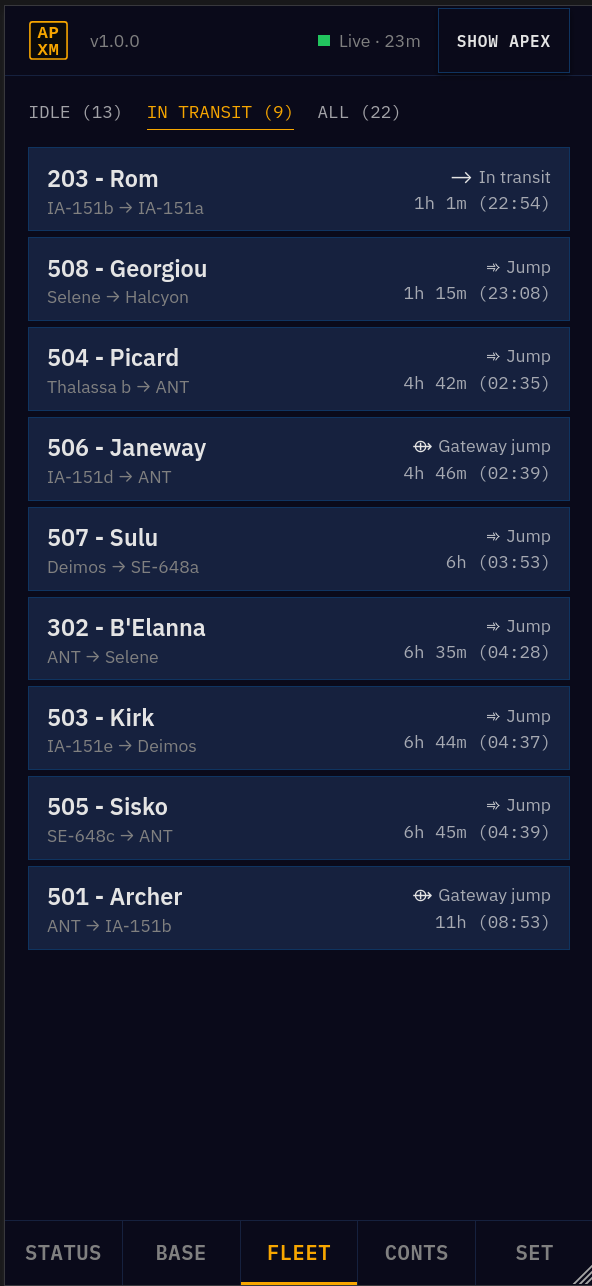
Fleet
Fleet Overview
Ship status, destinations, ETA countdowns.
Contracts
Contract Monitoring
Active contracts with condition status and deadlines.
Data
FIO Integration
Auto-fetches data from the FIO REST API on startup if credentials are configured.
Interface
Buffer Refresh
Per-site data refresh without switching back to APEX.

How It Works

APXM intercepts the WebSocket connection between APEX and the game server using a main-world content script injected before Prun loads. Messages are decoded through Socket.IO's double-encoding layer (engine.io + socket.io framing) and fed into typed Zustand stores. The React UI (mobile) and postMessage bridge (desktop) render from those stores.

The interception and message bus code lives in @prun/link, a shared library from the APEX_ toolset (private).

APEX ↔ Game Server
observed, never modified
@prun/link decoder
Zustand stores
APXM React UI (mobile)
postMessage bridge → Helm shell (desktop)

Install

Firefox
Coming soon on Firefox Add-ons (AMO).
Coming Soon
Chrome
Coming soon on the Chrome Web Store.
Coming Soon

Platforms

iOS / iPadOS
Orion (Kagi)
Supported
Android
Firefox
TBA
Android
Kiwi Browser
TBA
Desktop
Chrome / Firefox
Supported
Beta Testing

Found a bug or have a feature idea? Open an issue — there are templates for bug reports and feature requests.

Tech Stack

WXT — cross-browser extension framework Helm — interactive galaxy map (Pixi.js) @prun/link — WebSocket interception (private) React 19 + TypeScript Zustand — state management Tailwind CSS — mobile-first styling Vitest — unit tests

Acknowledgements

APXM is inspired by and built on the shoulders of giants — it wouldn't exist without the work that came before it.

FIO — Community game data API for Prosperous Universe Refined PrUn — Browser extension that simplifies the Prosperous Universe interface and adds useful features