HELM
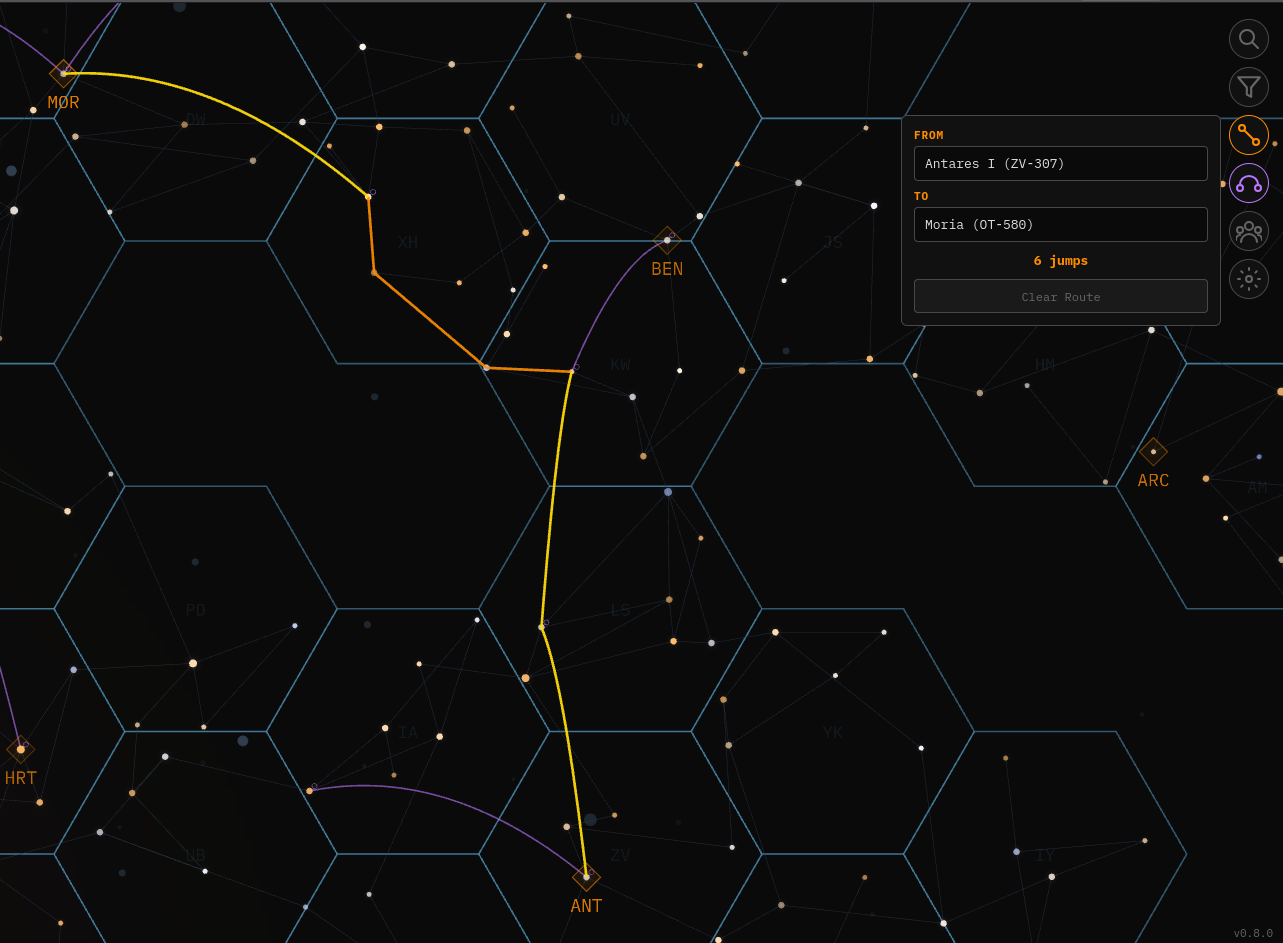
Interactive galaxy map for Prosperous Universe. Navigate star systems, explore planets and visualize shipping routes — all rendered real-time in your browser. No login needed.
Overview
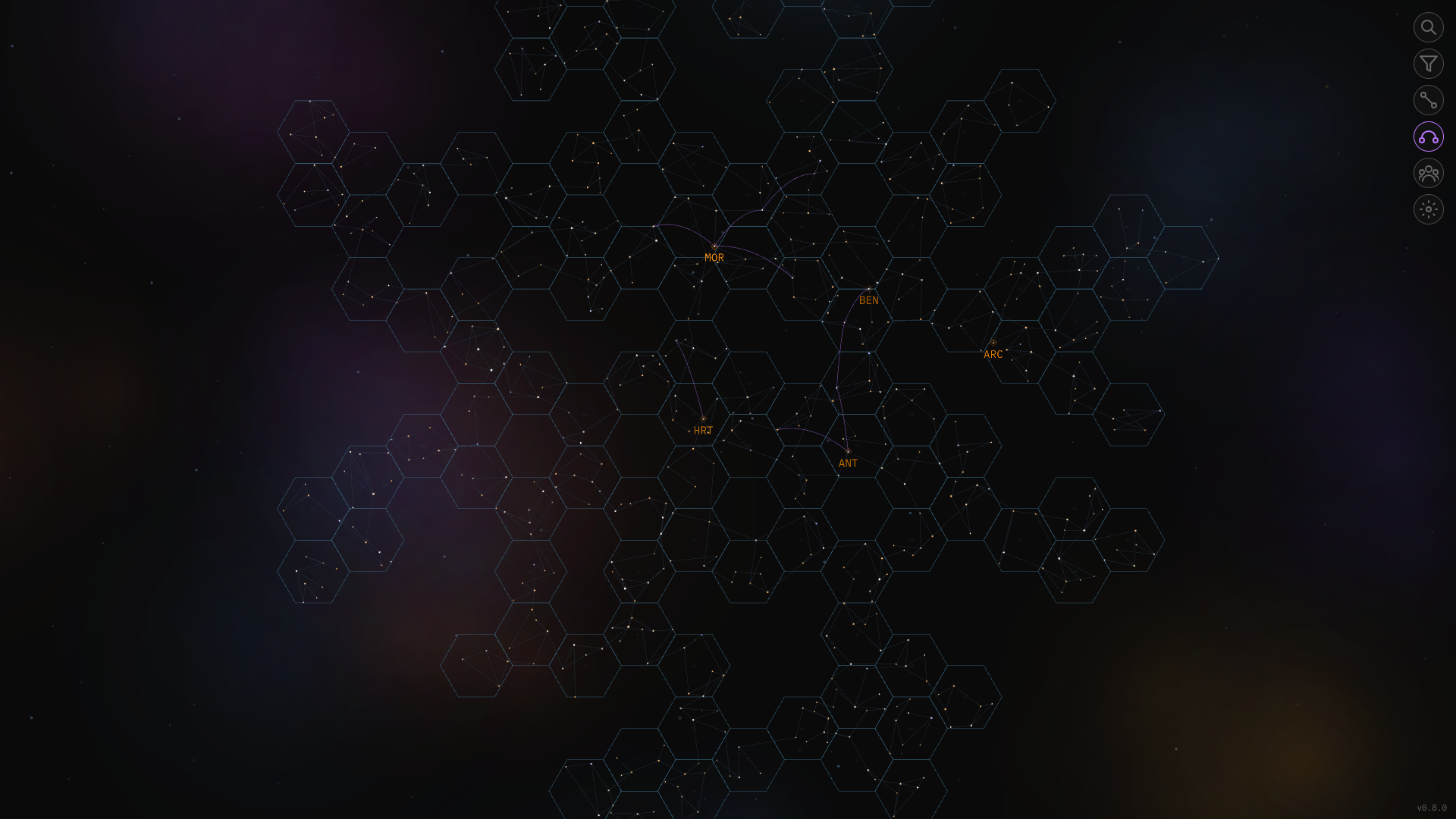
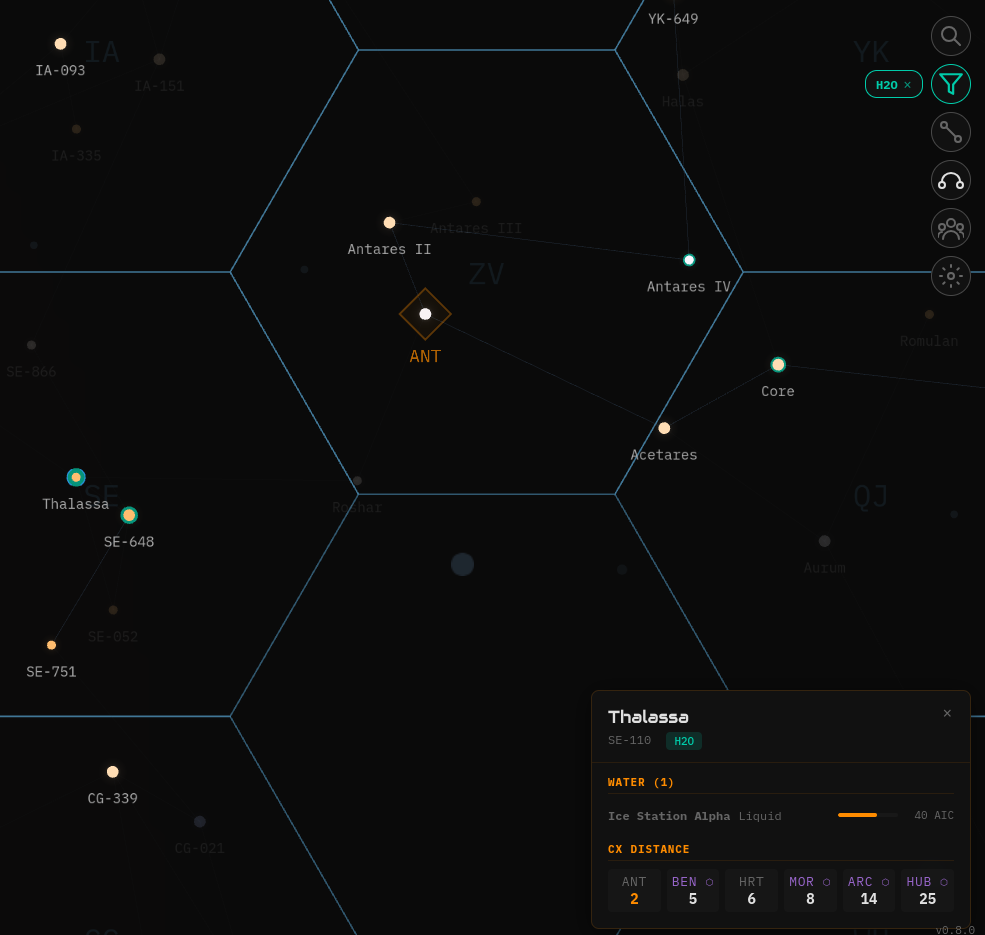
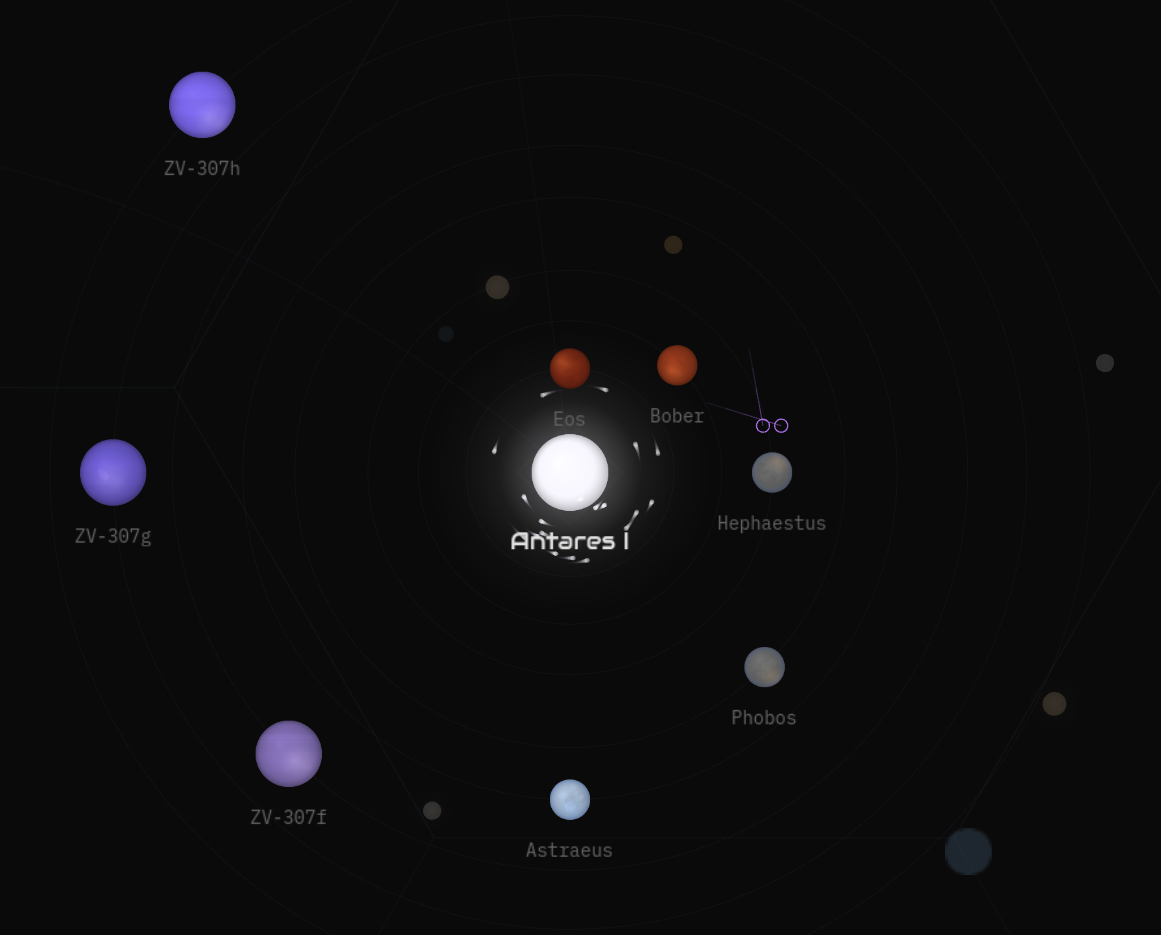
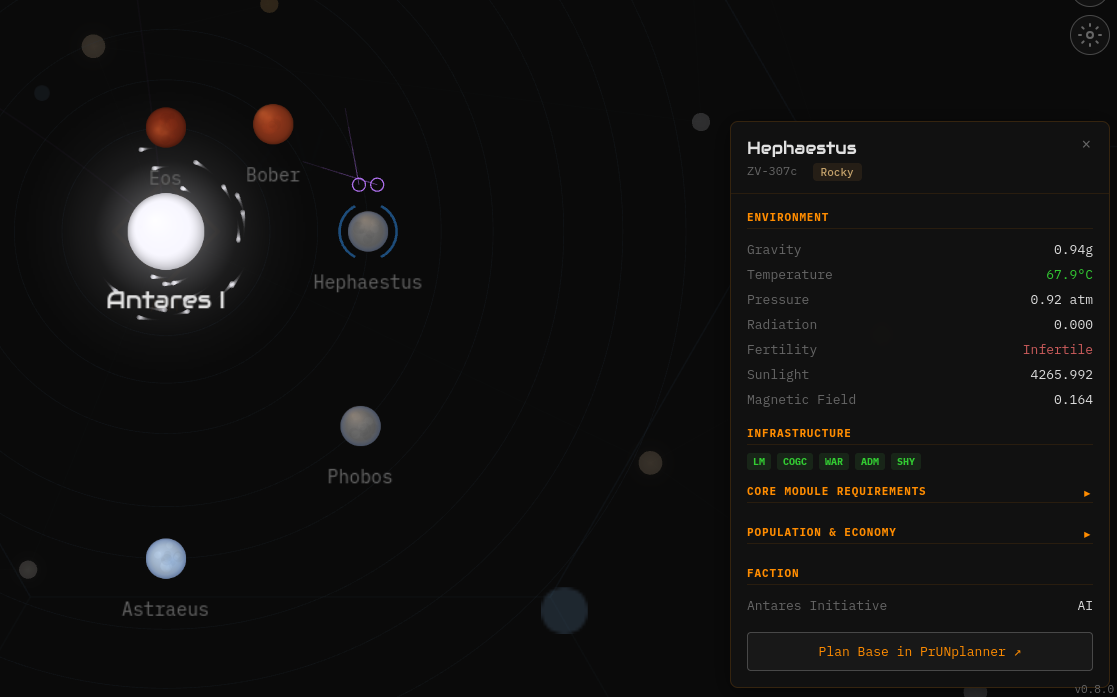
Features
Empire Overlay
Install the Helm Extension and the community map becomes your map — bases, ships and warehouses overlaid live from your game session, rendered locally in your browser.
The Helm Extension is awaiting review on Firefox Add-ons, with the Chrome Web Store to follow. Install links will land here the moment they're live.
Controls
| / or Ctrl+K | Open search — type to find systems or planets |
| Tab | Accept top search suggestion |
| Escape | Cascade: close panel → exit system view → universe view |
| G | Toggle gateway connections on/off |
| R | Open resource filter picker |
| E | Toggle empire lens (with the Helm Extension) |
| ← → ↑ ↓ | Pan the map |
| + / − | Zoom in / out |
| Click star | Select system, open detail panel |
| Double-click star | Enter system view (or jump between systems while in system view) |
| Click planet | Select planet, show detail panel with resources |
| Hover star | Highlight direct jump connections |
| Click empty space | Same as Escape — closes panels, backs out of views |
| Mouse wheel scroll | Zoom — zooming out past system threshold auto-exits system view |
Colour Themes
Open the theme picker (cog icon in the toolbar) to switch. Your choice persists across sessions. Colorblind Safe mode uses blue/orange for positive/negative indicators instead of red/green.
Privacy
All map data comes from the public FIO REST API — systems, planets, exchanges and live gateway links — fetched client-side on load. No accounts, no cookies, no third-party trackers. Empire data from the extension never leaves your browser.
Tech Stack
Acknowledgements
Helm is inspired by and built on the shoulders of giants — it wouldn't exist without the work that came before it.